
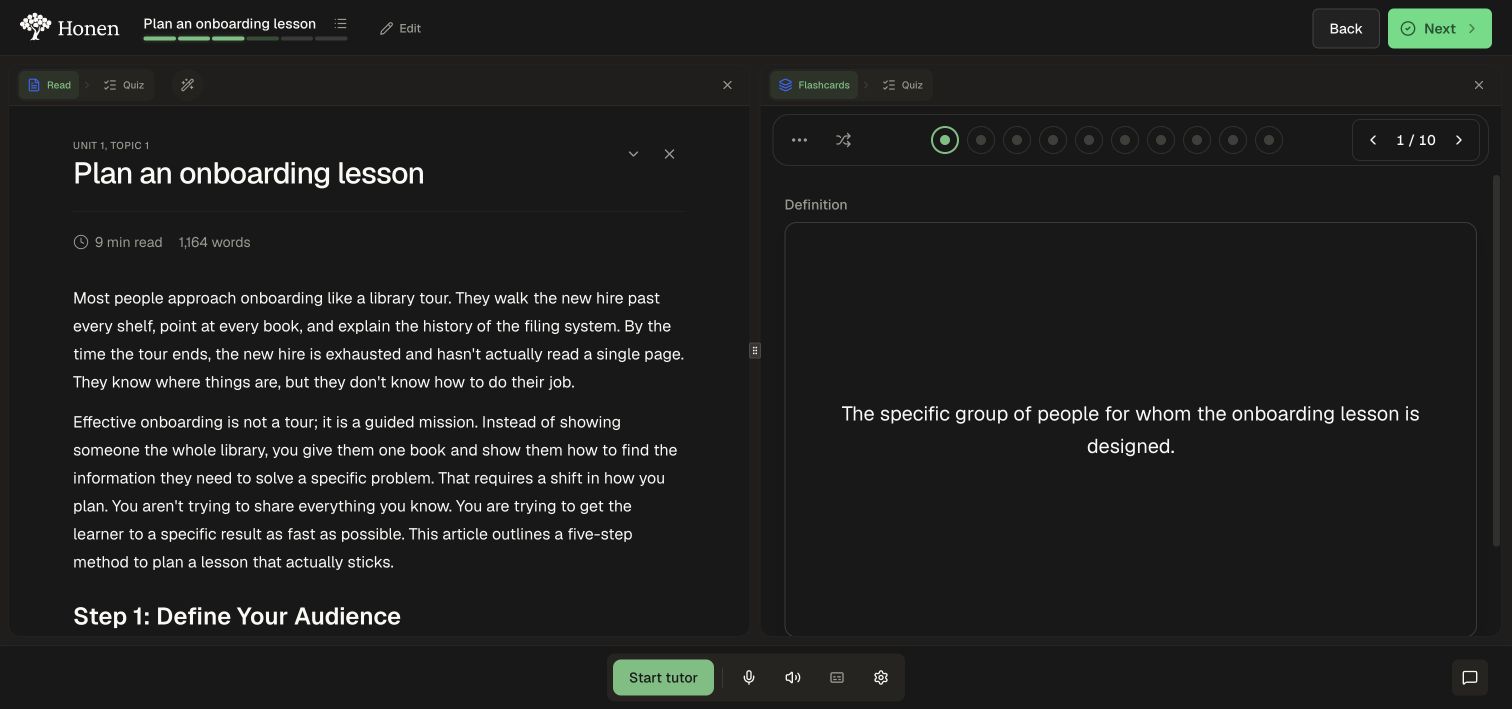
Keep a reference visible while practicing by opening two formats beside each other on desktop.
1. Open the first activity
- Open a topic with more than one format.
- Select Read, or another format you want as your reference.
- Select the plus control labeled Add another activity pane at the right edge.
2. Pick the second format
- In the new pane, open the relevant activity group.
- Choose an available activity, such as Flashcards.
- Use the format controls within each pane to change what it shows.
- Drag the divider between panes if you need to adjust their widths.
3. Return to one pane
Select Close activity pane (the X in that pane's toolbar). The other activity remains available. On narrower screens, use one activity at a time for a readable layout.