
Add Honen as an LTI Advantage external tool so instructors can choose courses and graded assignments from Moodle. Use Moodle 3.10 or later with the LTI Advantage services needed for your rollout enabled.
You need a Moodle site administrator and a Honen administrator with permission to manage integrations.
1. Configure the Honen launch
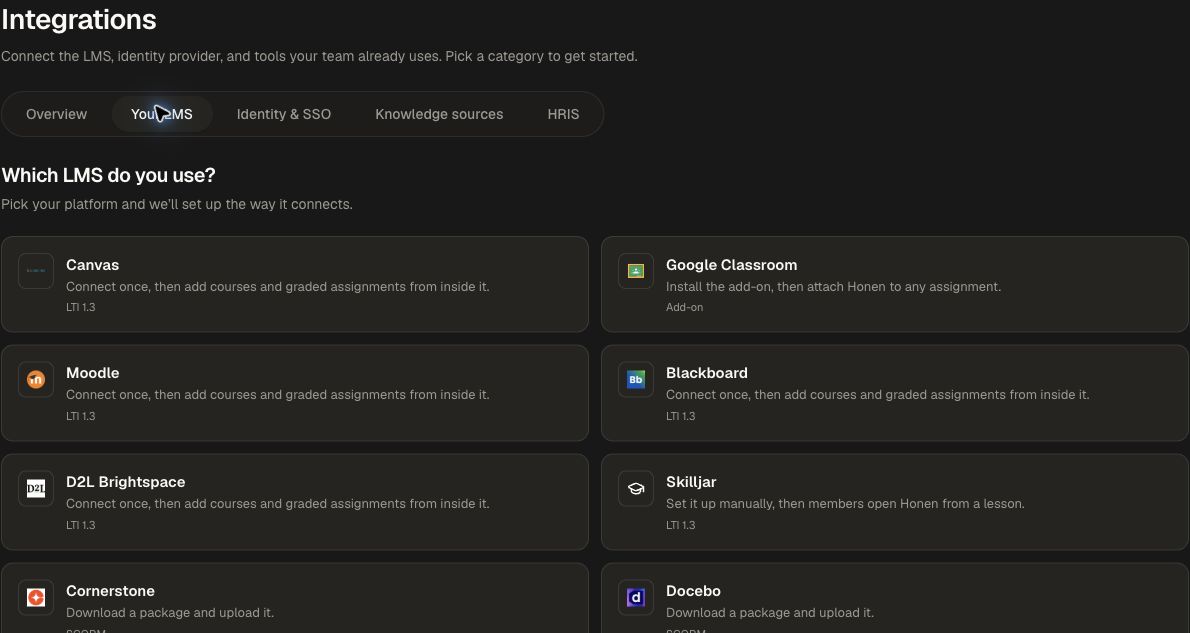
- Open Organization → Integrations → Your LMS → Moodle.
- Review LTI app branding, save any name/logo change, and choose the learner launch and landing options.
- Open Advanced options. Choose the default grade policy and confirm workspace/group role mappings.
- Copy the Dynamic registration URL with those options selected.
Use LTI settings and reporting to choose between embedded, new-tab, and hub experiences.
2. Register in Moodle
- Open Site administration → Plugins → External tool → Manage tools.
- Paste the Honen registration URL into Tool URL.
- Choose Add LTI Advantage.
- Activate Honen and review the tool's enabled services.
- Return to Honen and confirm the connection in Your LMS connections.
For a manually managed registration, use Manual LTI registration and the platform values from Moodle.
3. Add content to a Moodle course
- Open the intended Moodle course as an instructor.
- Add an External tool activity and select Honen.
- Use Deep Linking to choose a course or graded assignment in Honen.
- Save the activity in Moodle.
- For a graded assignment, confirm the Moodle grade settings and the Honen passback policy.
4. Verify launch, roster, and grades
Open the activity as a test learner. Confirm the intended content and class context, then complete the selected requirement. Inspect the grade in Moodle when using a graded assignment and AGS. If using NRPS roster sync, check the corresponding Honen group and learner membership.
Also launch as an instructor so you can check the management experience. Test the actual browser and embedded/new-tab mode your learners will use.
Keep the connection aligned
In Honen, open the saved connection's Edit settings to review its launch, landing, grade, and role choices. Choose Save settings and test any change before wider rollout. Use the displayed secure launch-domain status and Re-check when provisioning needs another check.
Continue with LTI 1.3 settings, Groups, or SCORM export for a package delivery path.