
GitHub Documentation
GitHub Documentation brings supported documents and referenced repository images into Honen. Use these formats when maintaining a documentation folder.
| Format | What to include |
|---|---|
| Markdown (.md, .markdown) | Headings, text, lists, tables, links, fenced code, and inline or reference-style images. |
| MDX (.mdx) | Documentation content. Custom React components and application code are not executed. |
| HTML (.html, .htm) | Semantic document content, including headings, tables, and image tags. Scripts and styling are omitted. |
| Images | Commit the image and reference it from a document. Relative paths resolve from the document's folder. |
Example: a referenced repository screenshot
The image below is stored beside the documentation in GitHub and copied to Honen's image storage during sync.
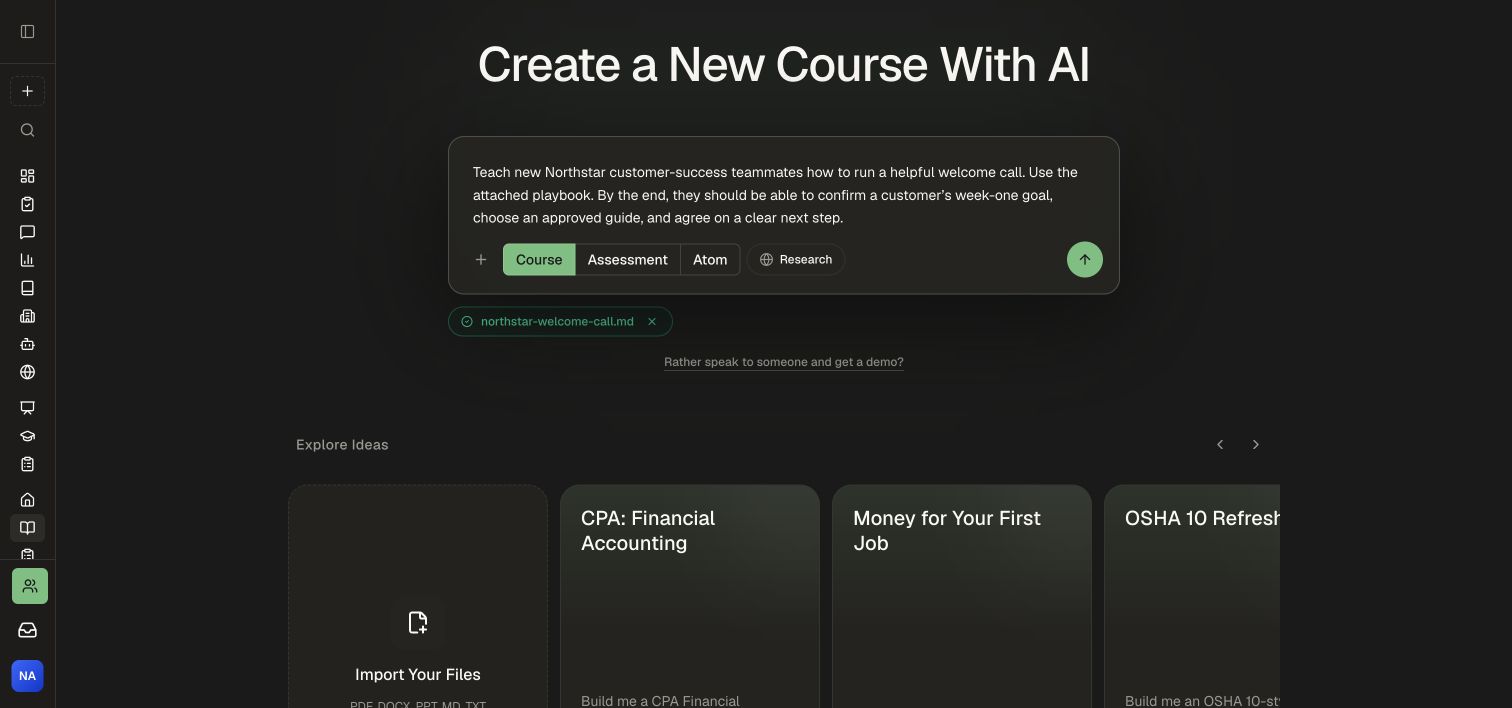 A course brief names the audience, source, and intended outcome.
Before publishing
- Commit the document and every referenced asset.
- Refresh the linked Knowledge Base folder.
- Open the synced page and confirm its title, formatting, and images.
- Open the published academy as a visitor and verify the same content.